
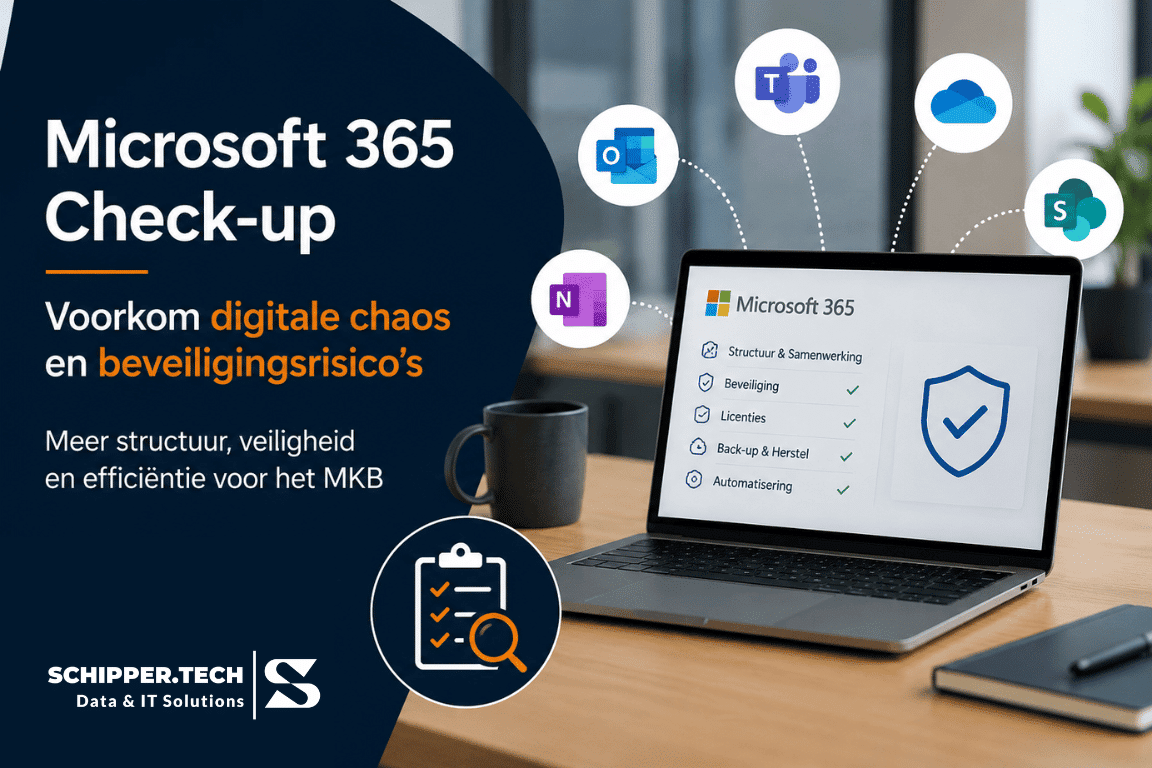
Microsoft 365 Check-up for SMEs: prevent digital chaos and security risks
Many entrepreneurs now use Microsoft 365 every day. Outlook, Teams, OneDrive and SharePoint have often been part of the working environment for years. Yet in practice I see that many Microsoft 365 environments were set up once and have hardly been optimised since.
In the beginning that usually works fine. But as soon as an organisation grows, employees work at several locations or processes become more complex, problems often arise. Files become fragmented, permissions are set up unclearly and employees start developing their own way of working.
As a result, collaborating takes more time than necessary and unnecessary risks arise in terms of security and management.
With a Microsoft 365 Check-up I look not only at the technology, but above all at whether the environment still fits the way your organisation works.
When a standard setup is no longer enough
Many Microsoft 365 environments were once set up during a migration or implementation. Users got an account, Outlook was configured and Teams was made available.
After that, the environment often keeps growing by itself.
New Teams are created, files are stored in different places and users get extra permissions because that seems practical at the time. Without a clear structure, digital unrest arises in the long run.
I regularly see this at SMEs where Microsoft 365 is present, but was never really set up strategically.
Common examples:
- Files spread across Teams, OneDrive and local storage
- Unclear permission structures within SharePoint and Teams
- Old guest users who still have access
- Employees who use external tools outside Microsoft 365
- A lot of manual work that can be automated
Especially in growing organisations, this eventually starts to cost time, money and overview.
Why structure within Microsoft 365 matters
A well-configured Microsoft 365 environment provides calm, overview and more efficient collaboration.
When Teams, SharePoint and OneDrive are set up logically:
- employees know where information is;
- less time is wasted searching;
- processes run more consistently;
- business data stays better protected.
It also becomes easier to onboard new employees, and organisations can grow more easily without the IT environment becoming a limiting factor.
Microsoft 365 offers many options for this, but they do have to be set up deliberately.
Getting more out of Microsoft 365
Many businesses use Microsoft 365 mainly for email and storage, while the platform can be used much more broadly.
Think for example of:
- automating recurring work with Power Automate;
- collaborating digitally within Teams;
- central document management via SharePoint;
- task management with Planner and To Do;
- security via multi-factor authentication and Conditional Access;
- process optimisation with forms, workflows and dashboards.
It is precisely by making these parts fit together well that more structure and efficiency arise within the organisation.
Security and management are often underestimated
A common assumption is that Microsoft automatically takes care of everything around security and backups.
Microsoft ensures the availability of the platform, but organisations remain responsible themselves for their data, permission structures and security settings.
In practice I regularly come across situations where:
- multi-factor authentication is not active everywhere;
- old accounts still have access;
- sensitive data is shared without clear control;
- backup and recovery are insufficiently arranged.
That brings risks in terms of data breaches, ransomware and loss of business information.
That is why during a Microsoft 365 Check-up I also look at:
- security settings;
- user permissions;
- guest access;
- licence usage;
- backup and recovery options;
- management processes.
Making Microsoft 365 fit your organisation
Every organisation works differently. That is why there is no standard setup that works optimally for every business.
A technical setup has to fit:
- the way of collaborating;
- the organisational structure;
- security requirements;
- growth plans;
- existing processes and applications.
I help SMEs, entrepreneurs and freelancers optimise their Microsoft 365 environment, so that technology really supports day-to-day practice.
This can involve:
- restructuring Teams and SharePoint;
- improving security;
- automating processes;
- optimising licences;
- user adoption and support;
- management and monitoring of the environment.
Is your Microsoft 365 environment still set up properly?
Many organisations work in Microsoft 365 every day without knowing exactly whether the environment is still set up efficiently, securely and future-proof.
A Microsoft 365 Check-up provides insight into:
- possible security risks;
- points for improvement within the setup;
- optimisations for collaboration;
- opportunities for automation;
- unnecessary licence costs;
- improvements in management and structure.
Would you like to know how your Microsoft 365 environment is doing or where optimisations are possible?
Then take a look at the Microsoft 365 Quick Scan.

Martijn Schipper, founder of SCHIPPER.TECH®
SCHIPPER.TECH®
Gedempte zalmhaven 342
3016DT Rotterdam
010 322 01 70
contact@schipper.tech
CoC: 91972833
VAT: NL865835998B01